Published by DJ Technologies, 2025
In today’s digital landscape, establishing a strong online presence is essential for businesses and individuals alike. Shared hosting can be a great starting point for those looking to launch a website without incurring high costs. At DJ Technologies, we understand the challenges that new users face when transitioning to shared hosting. In this article, we’ll guide you through the essential steps to make this transition smooth and efficient.
What is Shared hosting?
Shared hosting is a service where multiple websites reside on a single server. While this type of hosting is cost-effective, it also means that users share server resources, including bandwidth and storage. This setup is ideal for small to medium-sized websites that do not require extensive resources.
Why Choose Shared hosting?
- Affordability: Shared hosting plans typically cost less than dedicated or VPS hosting.
- User-Friendly: Most shared hosting providers offer easy-to-use control panels, making site management accessible for beginners.
- Maintenance Included: The hosting provider handles server maintenance, allowing you to focus on your website content.
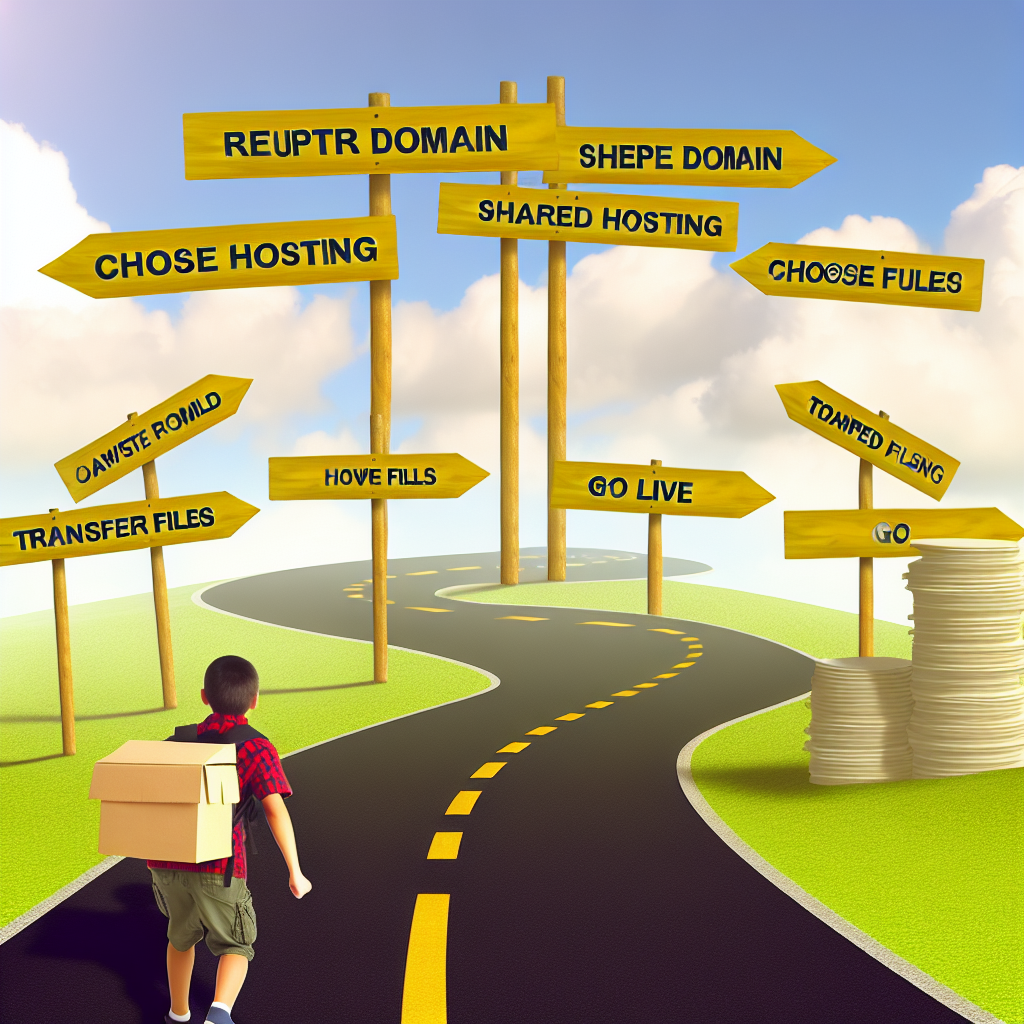
Step-by-Step Guide to Moving to Shared hosting
Step 1: Assess Your Current Needs
Before moving to shared hosting, evaluate your current website’s requirements:
- Traffic Levels: How many visitors do you expect? Shared hosting works well for low to moderate traffic.
- Website Type: For simple websites, blogs, or portfolios, shared hosting is usually sufficient. Complex, high-traffic sites may need more robust solutions.
Step 2: Choose the Right Shared hosting Provider
Selecting a reliable hosting provider is crucial. Look for the following features:
- Uptime Guarantee: Aim for a provider with at least 99.9% uptime.
- Customer Support: Check for 24/7 support via chat, phone, or email.
- Scalability: Ensure that the provider allows easy upgrades as your site grows.
- Plan Features: Examine bandwidth, storage, included domain registration, and SSL certificates.
Step 3: Register a Domain Name
If you don’t already have a domain name, register one that reflects your brand or purpose. Many hosting providers offer domain registration as part of the hosting package, simplifying the process.
Step 4: Prepare Your Website for Migration
If you’re moving an existing website, you’ll need to prepare it for the transition:
- Backup Your Data: Create a complete backup of your website files and databases.
- Check Compatibility: Ensure your website platform (e.g., WordPress, Joomla, etc.) is compatible with the new hosting environment.
Step 5: Set Up Your Shared hosting Account
Follow your chosen provider’s instructions to set up your account. Generally, this involves:
- Choosing a hosting plan.
- Entering your domain name.
- Creating login credentials for your control panel.
Step 6: Transfer Your Files and Databases
Once your account is set up, you can migrate your files and databases:
- Upload Files: Use an FTP client to transfer your website files to the new server. Many providers offer file managers for ease of use.
- Import Databases: If your site uses a database, access your new hosting control panel and import your data using tools like phpMyAdmin.
Step 7: Configure Domain Settings
To connect your domain name to your new hosting account, update the Domain Name System (DNS) settings:
- Change your domain’s nameservers to those provided by your new hosting company.
- Allow 24 to 48 hours for DNS propagation.
Step 8: Test Your Website
Once your domain is pointing to your new host, test your website thoroughly. Check page loading times, forms, and functionalities to ensure everything works correctly.
Step 9: Monitor performance and Optimize
After migration, continue to monitor your website’s performance. Utilize analytics tools to track visitor behavior, and remain vigilant for any issues that may arise.
Step 10: Cancel Your Old hosting Account
Once you’re confident your site is functioning seamlessly on its new home, you can safely cancel your old hosting account.
Conclusion
Moving to shared hosting can significantly enhance your online presence without straining your budget. By following these steps, you can ensure a smooth transition to a shared hosting environment that suits your needs. At DJ Technologies, our mission is to empower new users in their digital journey. Whether you’re launching your first website or expanding your online business, we’re here to help.
For further assistance, feel free to reach out to us. Happy hosting!
Leave a Reply